Loading...

Creative Project Management for Designers

Streamline every step of your creative workflow from design requests to final approvals all in one mobile app. Workizy helps designers stay organized, collaborate smoothly, and deliver on-brand assets on time.

Get in touch to start using the app.

Designers teams
Benefits

Key Benefits for Design &
Creative Teams

Clear Request Intake

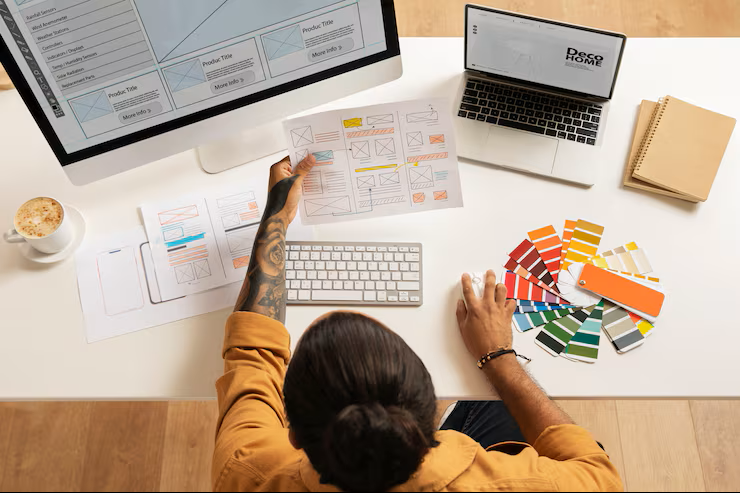
Design requests become structured tasks with specs, mood boards, and brand guidelines attached upfront.


Campaign Timeline Control

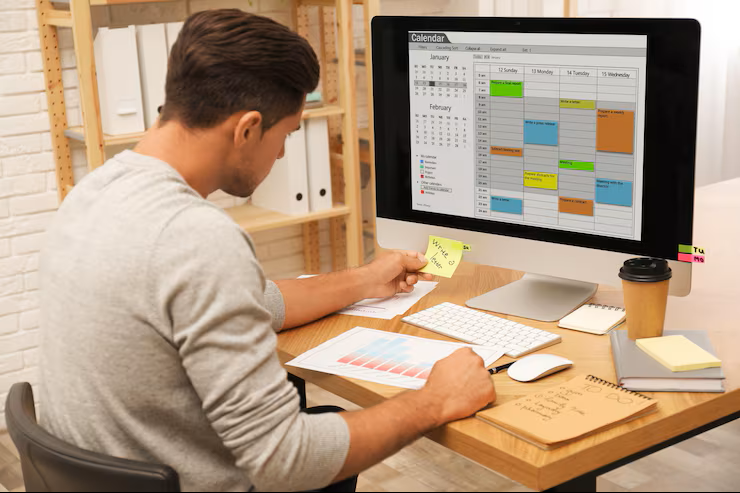
Link multi-asset campaigns with dependencies, spotting delays so social posts and emails launch synced.


Fast Asset Production

Break projects into prioritized tasks with attachments, delivering social graphics and banners on schedule.


Brand Guide Access

Attach guidelines, logos, and templates to tasks so every designer: junior or senior maintains consistent fonts, colors, and style across all deliverables.​


Real-Time Dashboards

See ongoing, delayed, and upcoming tasks instantly, balancing workloads and catching bottlenecks early.


Offline Task Updates

Work without WiFi-update tasks, attach files, everything syncs automatically when back online.

Use Cases

Use Cases for Creative Teams

Precise Design Request Intake Avoids Confusion

Design requests funnel into structured tasks with dimensions, specs, brand guides, and deadlines attached. This streamlined intake eliminates guesswork, ensuring designers understand every project upfront and dramatically cutting clarification time.

Design Requests

Organized Task Management Powers On-Time Asset Delivery

Break creative projects into clear production tasks with deadlines, checklists, and file attachments. Teams collaborate on social posts, banners, and videos confidently while managers balance workloads, delivering polished work faster.

Asset Production

Quick Feedback Cycles Keep Projects Moving

Stakeholders review and comment on designs from their phones—during transit, meetings, or home. Visual markups attach to tasks, speeding approvals and keeping feedback constructive, reducing back-and-forth while accelerating iterations.

Review Loops

Secure and Transparent Version Control

Every design iteration uploads with annotations explaining changes. Teams effortlessly track all versions, revert when needed, and work from current approved files—keeping campaigns coordinated and avoiding costly outdated asset mistakes.

Version Tracking
Why Choose Workizy

Why Choose Workizy for
Creative Teams

Built for How Creatives Actually Work

Mobile-first design with offline access lets designers work anywhere-commutes, cafés, studios-syncing updates automatically without losing progress.

Communication Connected to Work

Feedback, files, and calls attach to tasks, eliminating scattered threads and maintaining full project context for faster onboarding.

Multi-Project Juggling Made Manageable

Organize client work, brand initiatives, and internal requests separately. Switch contexts quickly and prioritize intelligently without losing critical tasks.

Performance Insights Without Busywork

Auto-updated metrics show overloaded designers, bottlenecks, and project needs instantly-no manual tracking or reports required from creative teams.

AI Assistant

Workizy AI

Build faster with a smart AI assistant

Let Workizy AI handle the repetitive thinking — generating task lists, organizing projects, and pulling team updates instantly. Just ask, and get the answers you need without digging, searching, or waiting.

It's Easy to Switch to Workizy

Manage Multiple Businesses

Switch between different construction projects or businesses with one login. Each stays completely separate—different teams, tasks, and data for every job site.​

Works Offline First

No internet? No problem. Your crew can work anywhere—remote job sites, basements, or areas with zero connectivity. Everything syncs when they're back online.

Multi-Language Ready

Your team speaks different languages? Workizy supports multiple languages so everyone can use the app in their preferred language for easier adoption.

FAQs

Frequently Asked Questions

Find clear answers about Workizy’s AI-powered team management, project tracking, voice commands, integrations, and data protection.

Every request lands as a task with attachments, priorities, and details-marketing drops campaign specs, you assign instantly. No lost context; production starts clear and fast.​

Yes-break campaigns into format-specific tasks with dependencies. Track progress per asset type, balance designer loads, and hit deadlines without chaos.​

Absolutely-logs uploads chronologically with change notes. Current version always tops the task; handoffs reference history seamlessly.​

Projects link related tasks (e.g., video before graphics). Dashboard shows delays across assets, keeping launches synced.​

Fully-view briefs, update tasks, attach files offline. Syncs on reconnect, perfect for remote creatives.​
Blogs

Workizy Blog – Smarter Ways to
Manage Your Business

Get in Touch

Don’t Hesitate to Contact Us

Please enter your name!
Please provide a valid email address!
Please enter your message!
Top