Project vs Task Management Key Differences Explained
Understand project vs task management differences - learn how to organize long-term projects with milestones alongside daily tasks for better workflow efficiency and team clarity.

Planning unforgettable events means juggling budgets, timelines, teams, and last-minute changes. Workizy eliminates the chaos so you focus on creating memorable client experiences. Get complete visibility and confident coordination across every phase-right from your phone.
Get in touch to start using the app.
Launch events faster using reusable templates and automated reminders that eliminate manual follow-ups.
Priority flags and task dependencies keep everyone on track with automatic alerts catching delays early.
Live expense tracking shows spending instantly with approval steps and alerts preventing cost overruns.
Every team member sees tasks, ownership, and timing clearly on mobile, eliminating confusion and overlaps.
Teams stay fully connected, update tasks, share photos, and manage changes from a smartphone without returning to the office.
Activity logs reveal successes and bottlenecks, helping improve processes, team performance, and future event execution.
A boutique agency manages a three-day conference with keynote speakers and breakout sessions. Task boards handle venue logistics, AV equipment, and catering. When the keynote speaker's flight delays, the team adjusts timelines via mobile while driving to venue.
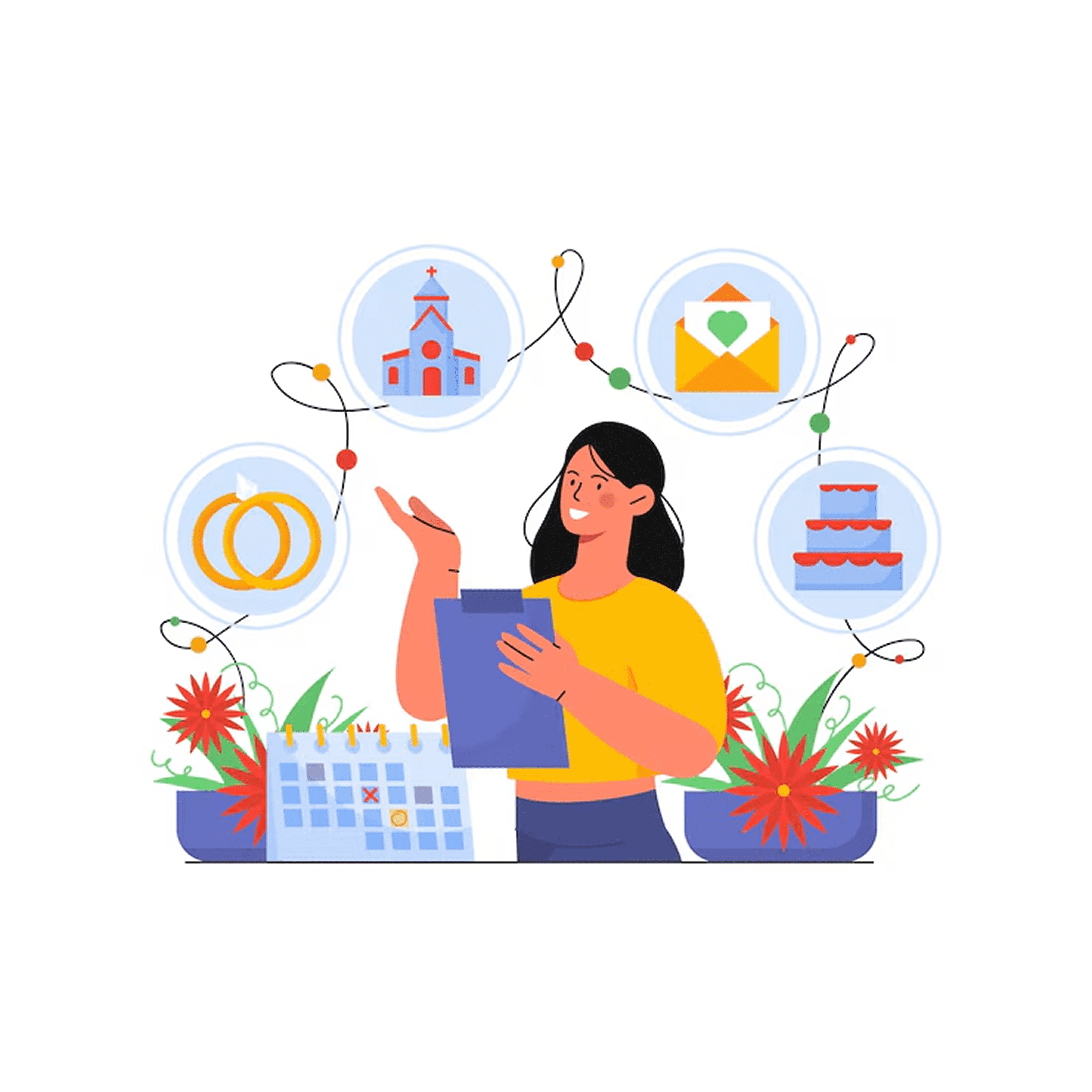
A 150-guest destination wedding coordinates florists, photographers, caterers, and musicians across teams. When preferred roses aren't available, the coordinator triggers an approval request from her phone reaching the bride within minutes. Offline mode maintains beachfront coordination despite connectivity issues.
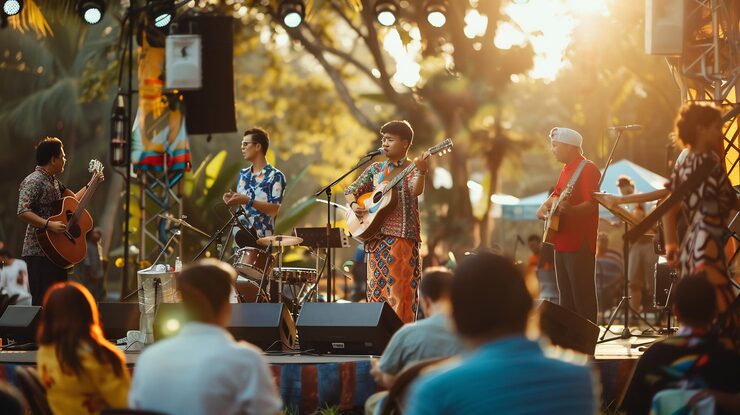
A festival with five stages, 40+ artists, and multiple teams stays coordinated through Workizy. Stage managers update setup progress triggering notifications to sound engineers. When a rainstorm hits, urgent task alerts protect equipment within 45 minutes with zero incidents.
A client requests major design changes 10 days before their product launch. The account manager documents revisions with comment threads, uploads revised mood boards, and assigns coordinators to source materials. Every team member sees approved changes, creating a complete audit trail.
Your coordinators and temporary staff need zero training sessions. If they can use a smartphone, they can use Workizy for faster seasonal onboarding.
Access professional-grade event planning without enterprise budgets. Workizy scales with your agency-start small and expand as your event portfolio grows seamlessly.
Run multiple simultaneous events effortlessly. Switch between corporate galas, weddings, and product launches-each maintains separate teams, tasks, and communications.
AI Assistant generates meeting summaries after consultations and team calls. Create tasks using voice commands while driving. Spend less time on admin work.
A structured collection of key tasks that help users plan, track, and manage
every stage of an event efficiently within the app.
Manage contracts, site visits, logistics, and schedules.
Coordinate backdrops, florals, branding, and installation work.
Organize registration staffing, credentials, and welcome operations.
Define vision, objectives, and assign actionable tasks.
Schedule equipment delivery, testing, and positioning adjustments.
Design booth placements and optimize attendee flow.
Let Workizy AI handle the repetitive thinking — generating task lists, organizing projects, and pulling team updates instantly. Just ask, and get the answers you need without digging, searching, or waiting.
Switch between different construction projects or businesses with one login. Each stays completely separate—different teams, tasks, and data for every job site.
No internet? No problem. Your crew can work anywhere—remote job sites, basements, or areas with zero connectivity. Everything syncs when they're back online.
Your team speaks different languages? Workizy supports multiple languages so everyone can use the app in their preferred language for easier adoption.
Find clear answers about Workizy’s AI-powered team management, project tracking, voice commands, integrations, and data protection.
Absolutely. Create separate projects for each event with independent teams, tasks, timelines, and budgets. Switch between events instantly while maintaining complete organizational clarity.
The Workizy app functions fully offline. Your team views tasks, updates status, adds photos, and records notes without connectivity. Everything syncs automatically once they’re back online.
Yes, you can provide controlled access for clients to view approved timelines, submit revision requests, or track milestone completion—without exposing internal team discussions or vendor negotiations.
Most agencies deploy Workizy within hours, not days. Import your existing task lists, invite team members, and start coordinating immediately. The intuitive mobile interface requires virtually no training.
Access complete activity logs showing task completion rates, timeline adherence, budget accuracy, and team performance metrics. Use these insights to refine templates and improve efficiency for future events.
Understand project vs task management differences - learn how to organize long-term projects with milestones alongside daily tasks for better workflow efficiency and team clarity.

Streamline manufacturing operations with key project management features — production scheduling, team coordination, quality tracking, and real-time updates that keep your factory floor running efficiently.
Discover enterprise task management features that scale with your business - from advanced team coordination and department organization to performance tracking and multi-business management capabilities.
Get in Touch
Your contact details will not be published anywhere. Required fields are marked *
Workizy