Project vs Task Management Key Differences Explained
Understand project vs task management differences - learn how to organize long-term projects with milestones alongside daily tasks for better workflow efficiency and team clarity.

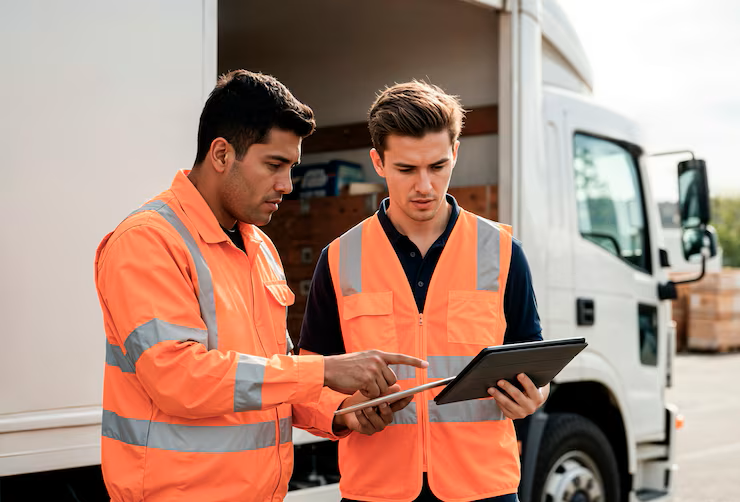
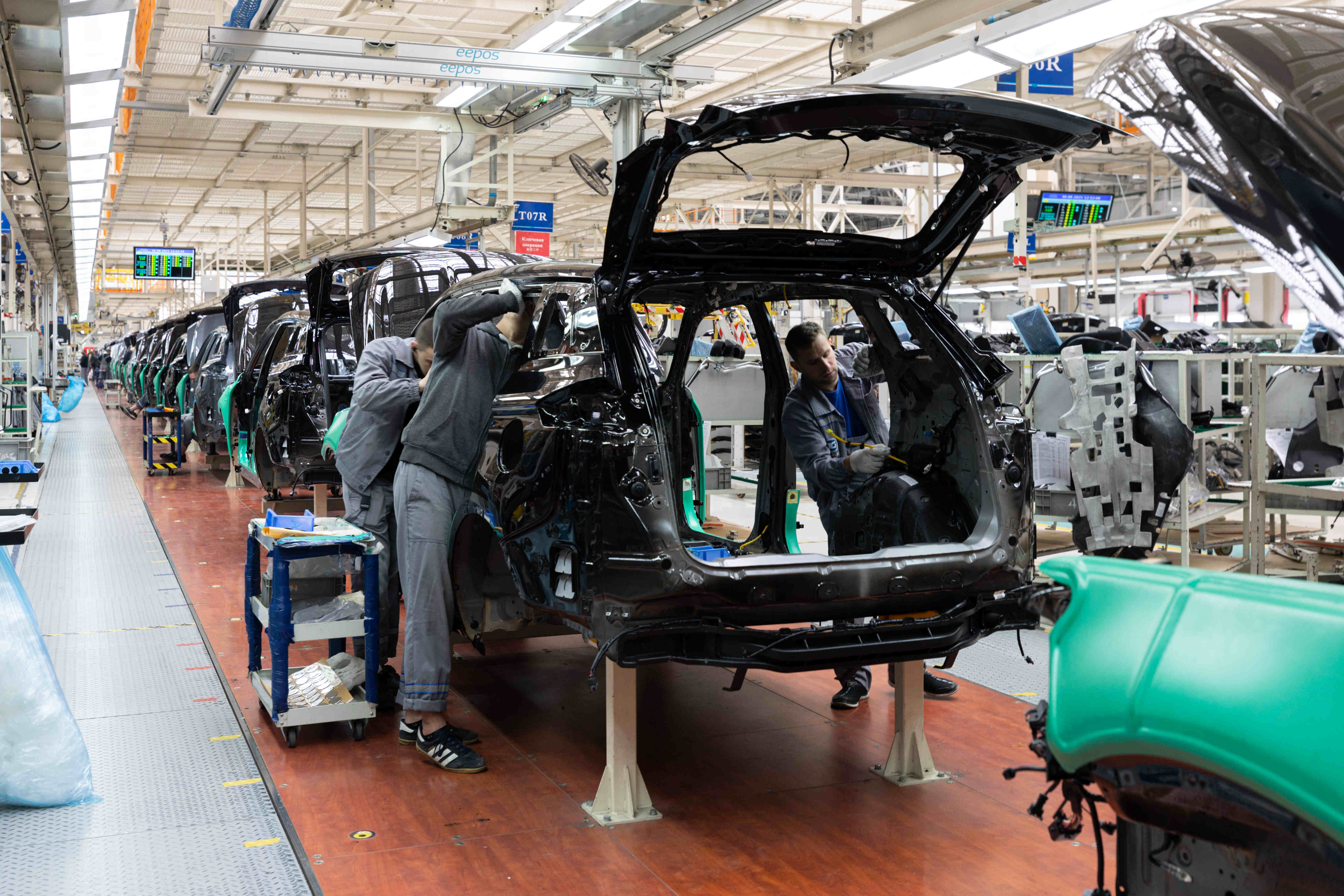
Workizy gives transportation and automotive teams a real-time control room to manage fleets, workshops, and production lines from their phones. Every breakdown, dispatch, and inspection is assigned, time-bound, and fully traceable-eliminating messy calls and giving leaders complete visibility to act fast.
Get in touch to start using the app.
Clear priorities, deadlines, and real-time status ensure trips, inspections, and jobs finish on time always.
Structured maintenance tasks with ownership and reminders catch issues early, keeping vehicles active and productive longer.
Managers see ongoing, delayed, and upcoming tasks instantly, enabling faster decisions and quicker intervention needed.
Every task has a clear owner with activity logs tracking updates, building responsibility and performance transparency.
Reusable templates for inspections, repairs, and production ensure critical checks are never skipped across all shifts.
Comments, calls, and files stay linked to tasks, making instructions and documents easy to find always.
Assign batch production tasks with exact quantities, ingredient lists, and process timelines. Attach recipe cards and SOPs directly to tasks. Track each batch from raw material prep through cooking, cooling, packaging, and final quality approval. When production delays happen, reassign resources or adjust schedules instantly from your mobile dashboard.
Turn each job card into a chain of tasks-diagnosis, parts request, repair, inspection, test drive, delivery so you always know which step is holding a vehicle. Photos of damage, work-in-progress, and final invoices sit in the same task, giving service advisors and managers clear, time-stamped history.
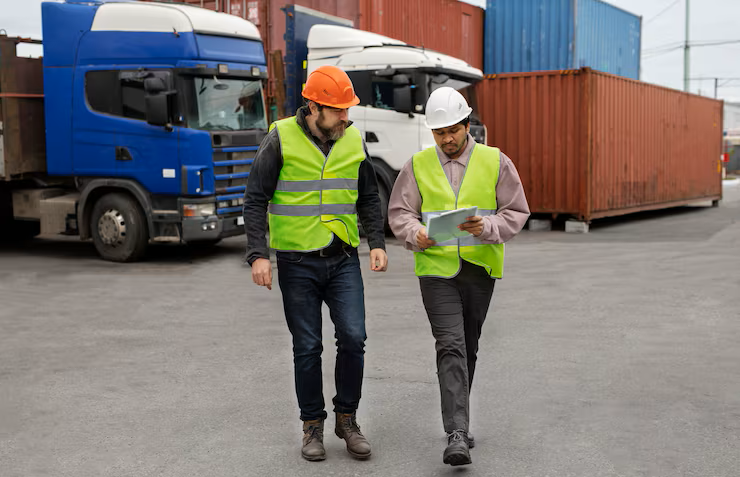
Manage gate-in/gate-out, bay allocation, loading, unloading, and documentation checks as structured tasks across shifts. Supervisors use the dashboard to spot bottlenecks, reallocate teams, and avoid idle trucks or congested yards that silently eat into margins.
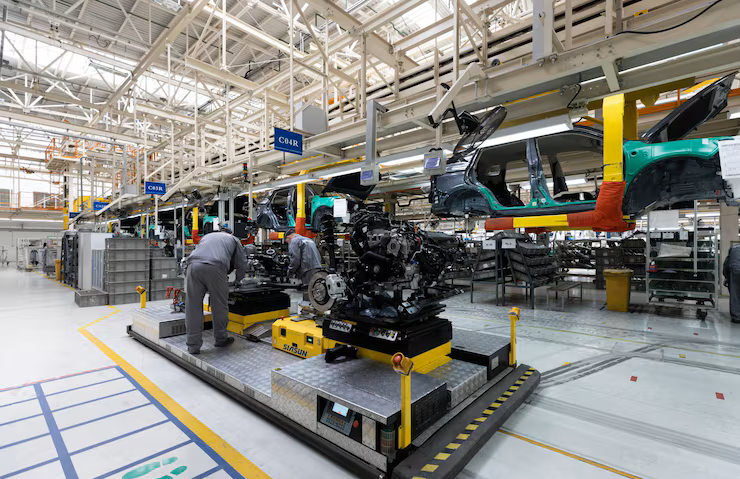
Build templates for assembly steps, tool checks, torque audits, and line inspections, then assign them to shifts or lines. When a step is delayed or skipped, it becomes visible and traceable, so issues are corrected before they turn into scrap, rework, or customer complaints.
If someone can use a smartphone, they can use Workizy easily-no heavy manuals, long training sessions, or IT-heavy rollouts needed.
Features like projects, templates, logs, and performance metrics are tuned for daily coordination rather than only end-of-month reports.
Start with a single depot or workshop and expand to multiple locations and business units while keeping data separated.
Built-in AI helps create tasks, generate summaries, and set reminders so teams spend more time solving problems.
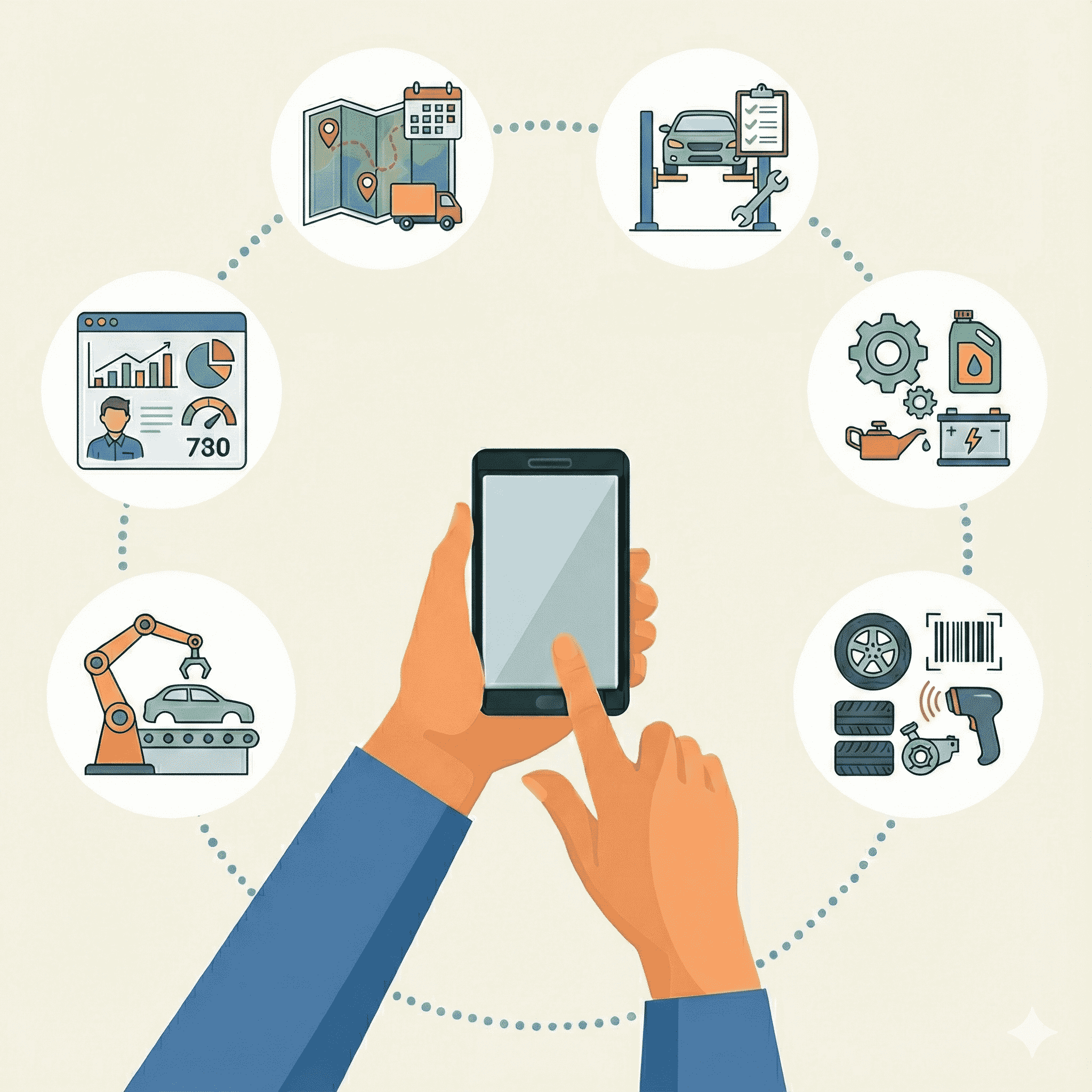
Streamline fleet operations, maintenance workflows, inspections, parts management, production, and team performance tracking.
Assign routes, track deliveries, and monitor trip completion in real-time.
Schedule inspections, and track workshop job progress systematically.
Coordinate assembly steps, torque checks, and defect resolution on production lines.
Ensure vehicles meet standards before customer handover or deployment.
Request parts, verify stock availability, and track supplier deliveries efficiently.
Monitor task completion rates, response times, and individual performance metrics.
Let Workizy AI handle the repetitive thinking — generating task lists, organizing projects, and pulling team updates instantly. Just ask, and get the answers you need without digging, searching, or waiting.
Switch between different construction projects or businesses with one login. Each stays completely separate—different teams, tasks, and data for every job site.
No internet? No problem. Your crew can work anywhere—remote job sites, basements, or areas with zero connectivity. Everything syncs when they're back online.
Your team speaks different languages? Workizy supports multiple languages so everyone can use the app in their preferred language for easier adoption.
Find clear answers about Workizy’s AI-powered team management, project tracking, voice commands, integrations, and data protection.
Most teams understand the basics in a few minutes because the interface is straightforward and built around tasks, priorities, and deadlines. There is no complicated setup or long training program needed to go live.
Yes, your team can view and update tasks offline and the app will sync changes automatically once a connection is available. This makes it practical for depots, plants, and routes where connectivity is inconsistent.
The AI Assistant can convert rough notes or spoken instructions into structured task lists, generate quick summaries of busy days, and set reminders for critical actions. This is especially valuable for dispatchers, workshop managers, and line supervisors who juggle constant interruptions.
Yes, Workizy app supports multi-business management, letting you create independent business spaces and switch between them with a tap. Teams, tasks, projects, and data stay fully separated so there is no confusion between locations or business units.
Understand project vs task management differences - learn how to organize long-term projects with milestones alongside daily tasks for better workflow efficiency and team clarity.

Streamline manufacturing operations with key project management features — production scheduling, team coordination, quality tracking, and real-time updates that keep your factory floor running efficiently.
Discover enterprise task management features that scale with your business - from advanced team coordination and department organization to performance tracking and multi-business management capabilities.
Get in Touch
Your contact details will not be published anywhere. Required fields are marked *
Workizy